

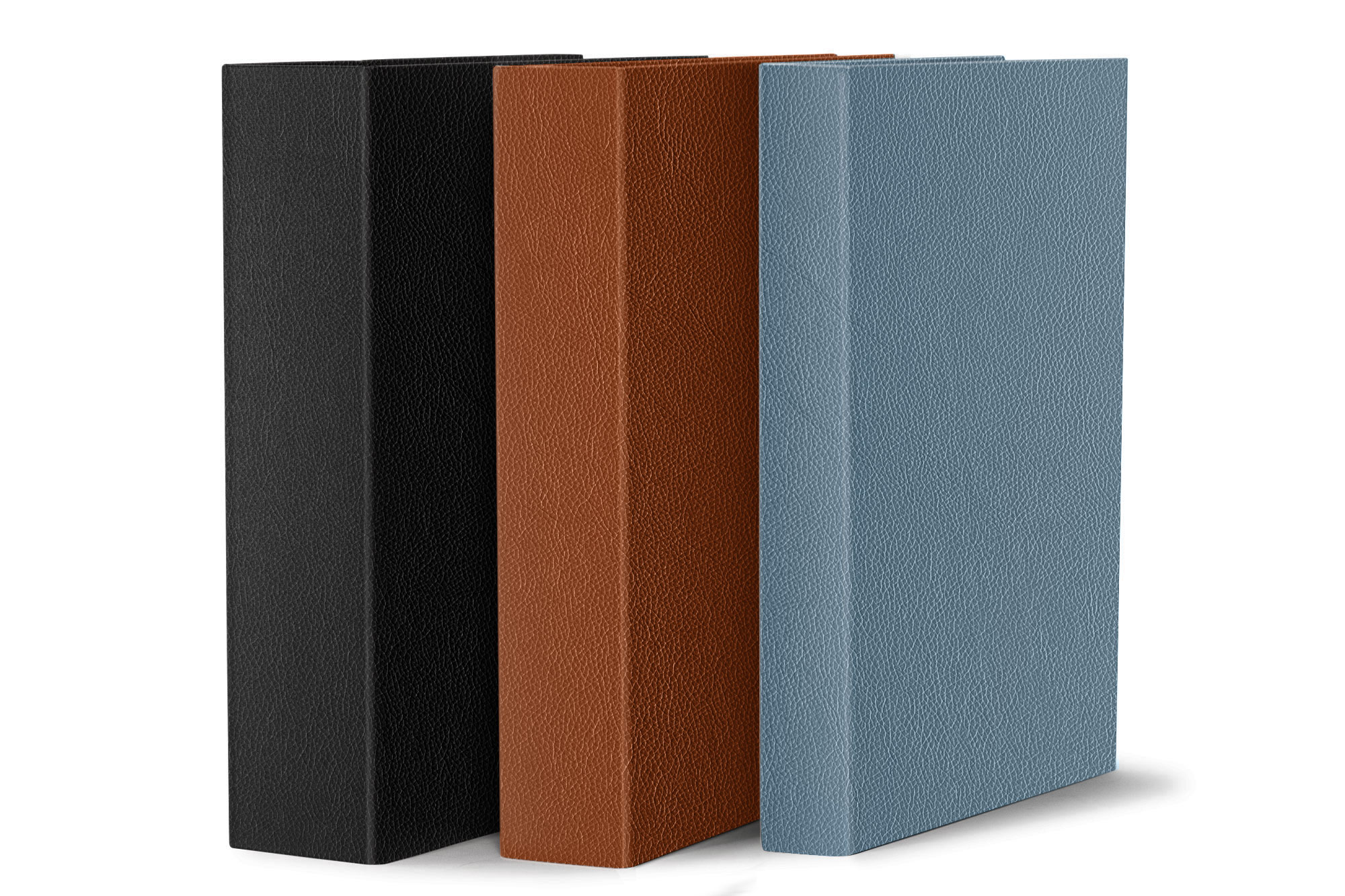
 Available in different ring sizes to suit your needs
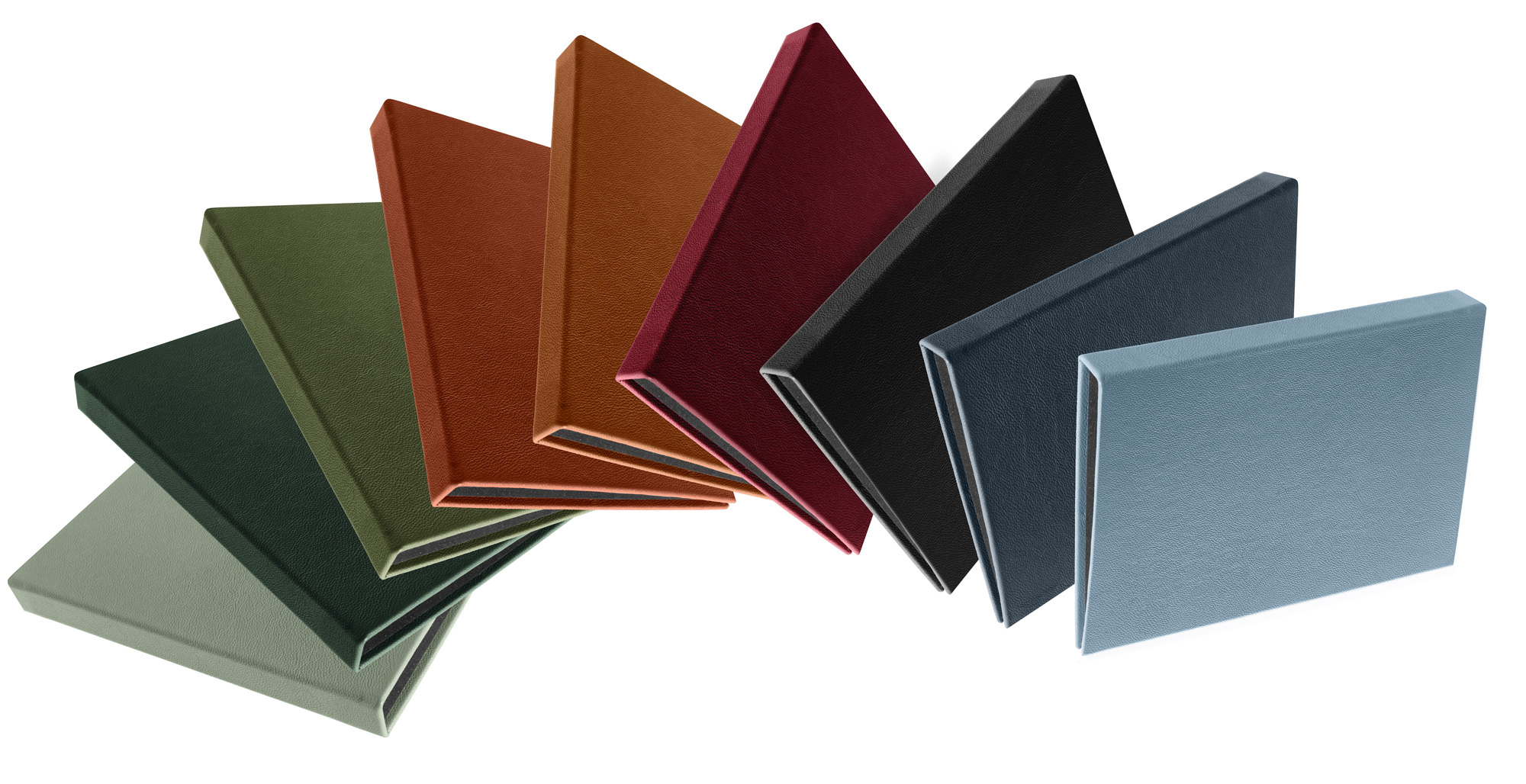 Leather Casebound Binders Colour Range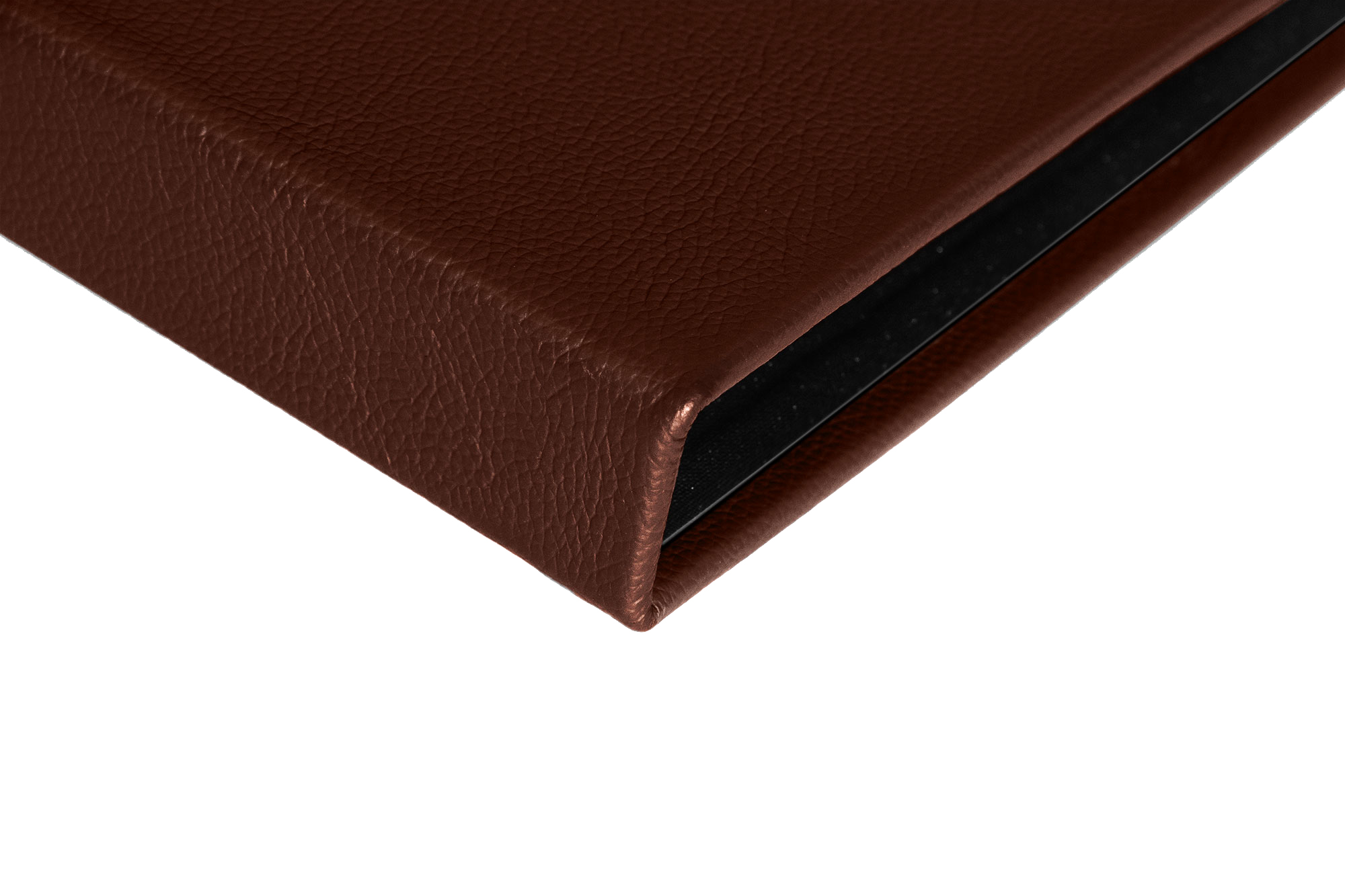
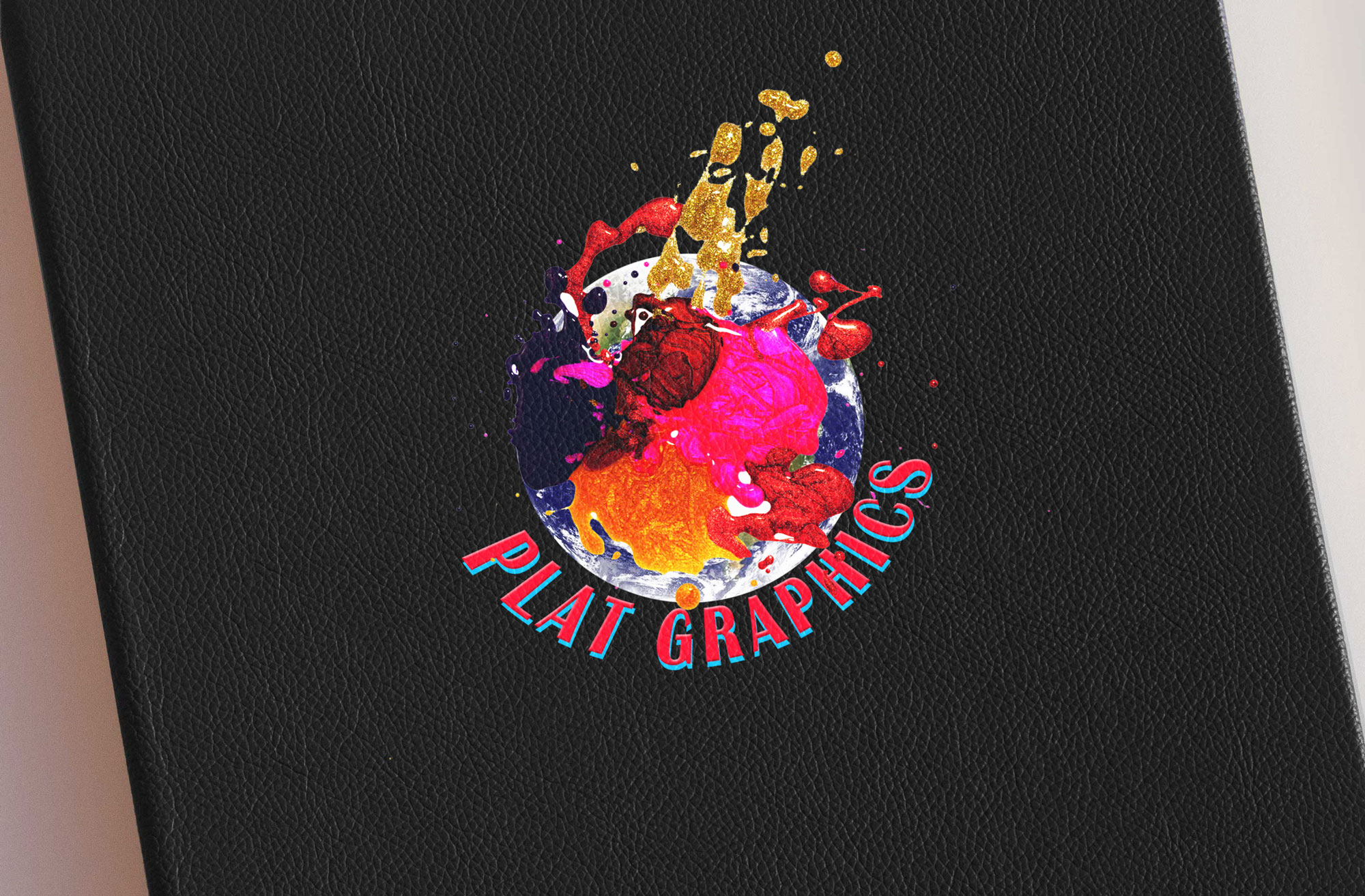 Spot Digital Print on Black Leather
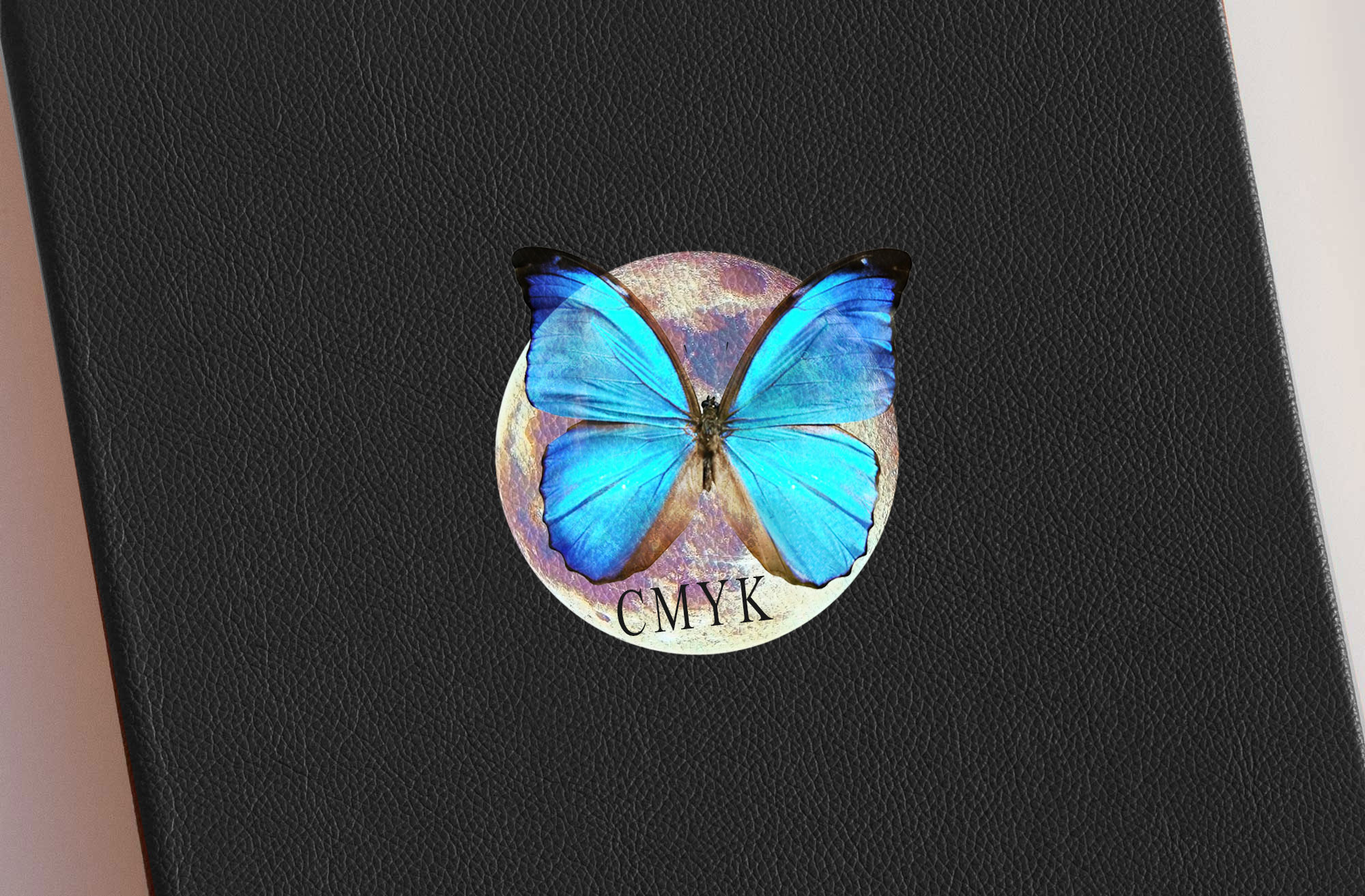 Spot Digital Print on Black Leather
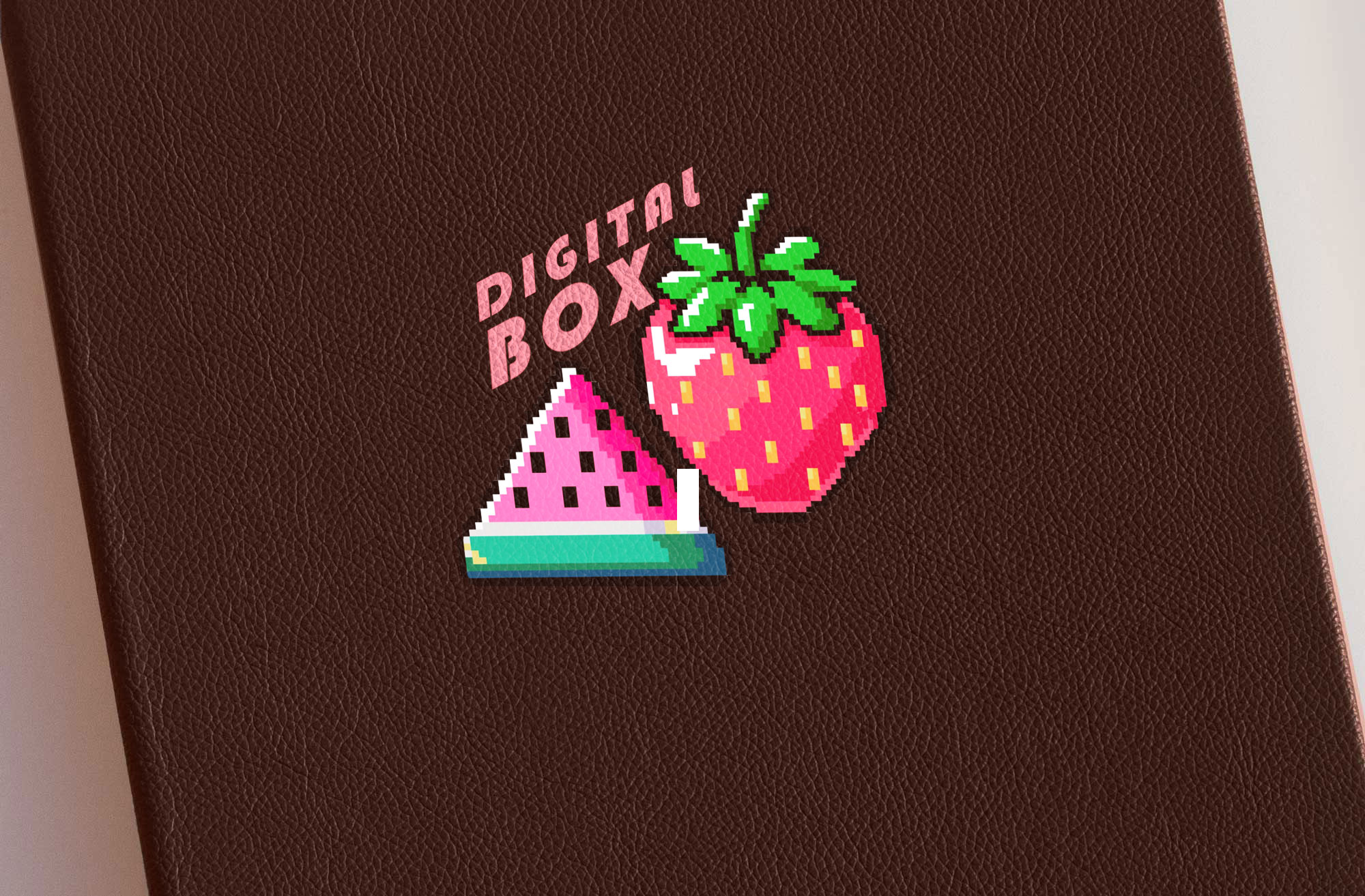 Spot Digital Print on Brown Leather
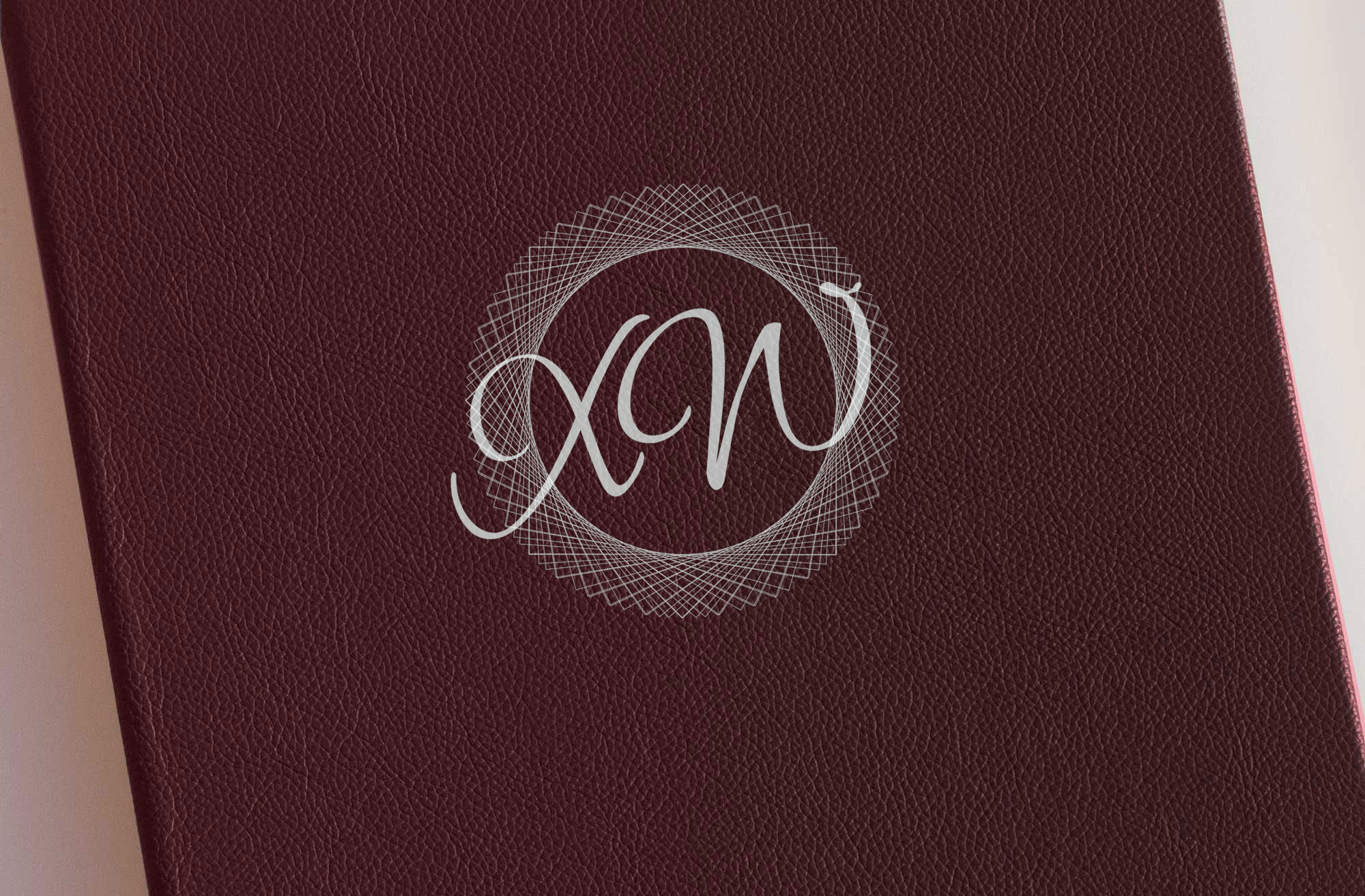 Spot Digital Print on Burgundy Leather
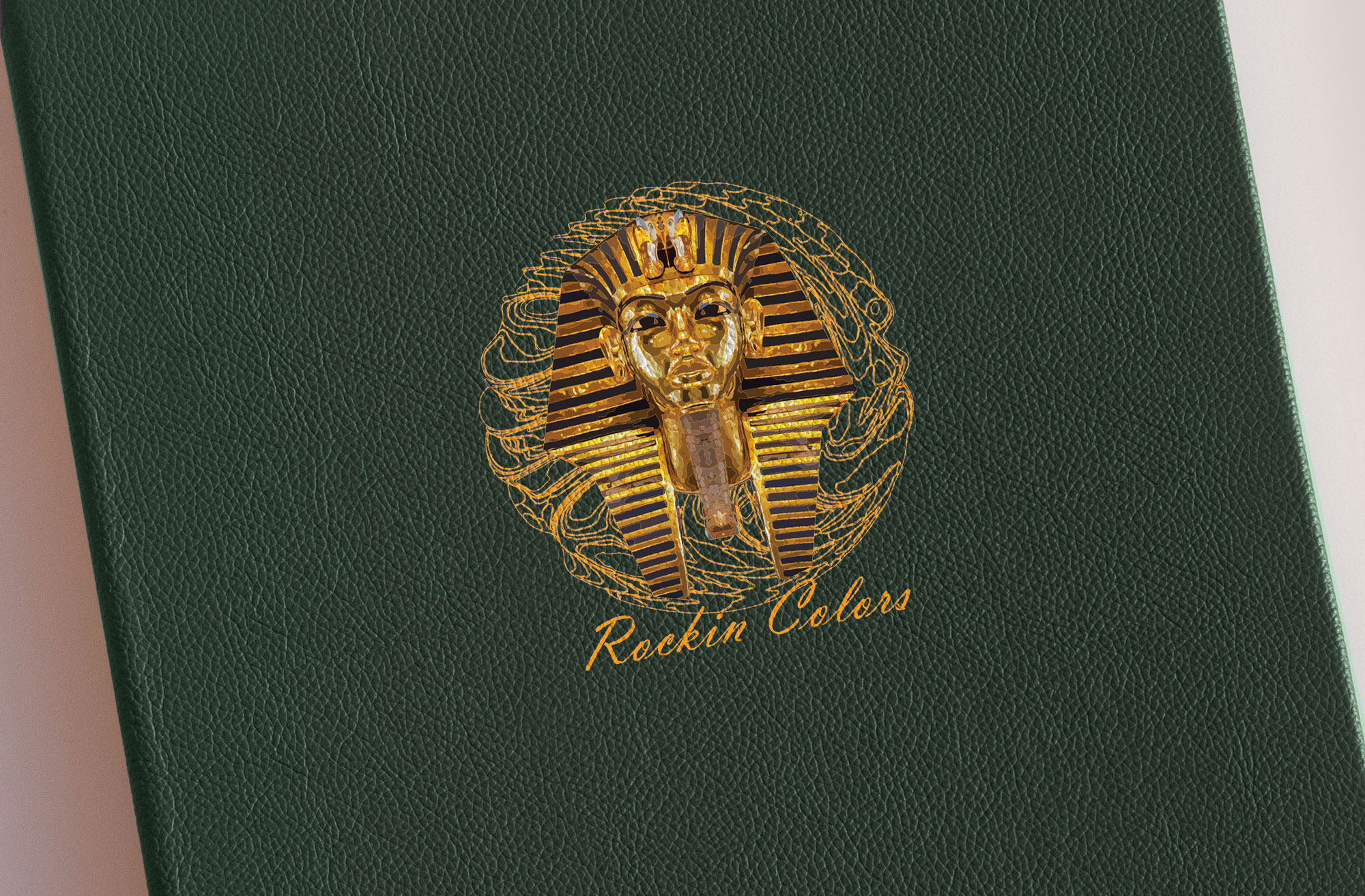 Spot Digital Print on Dark Green Leather
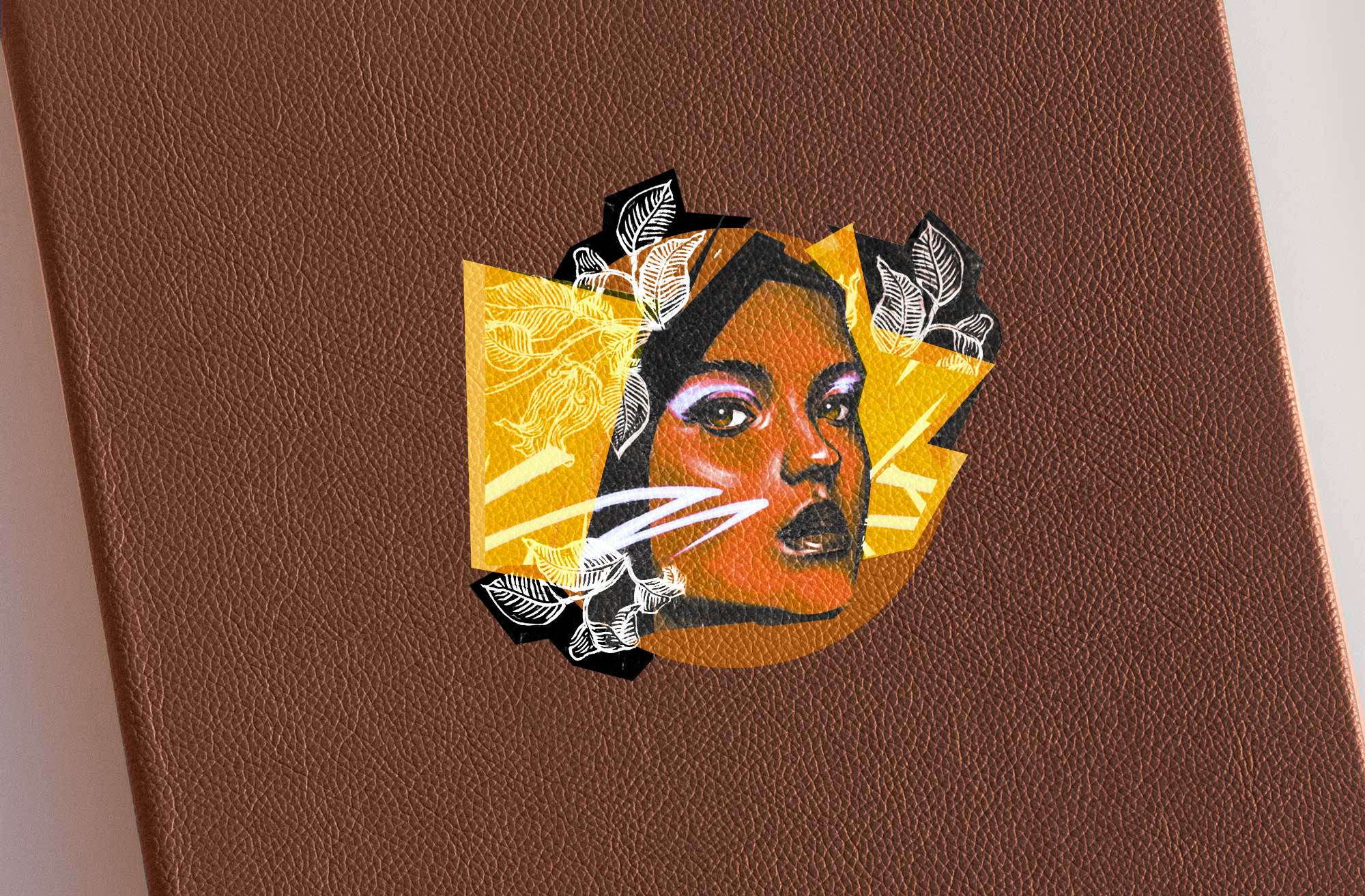 Spot Digital Print on Tan Leather
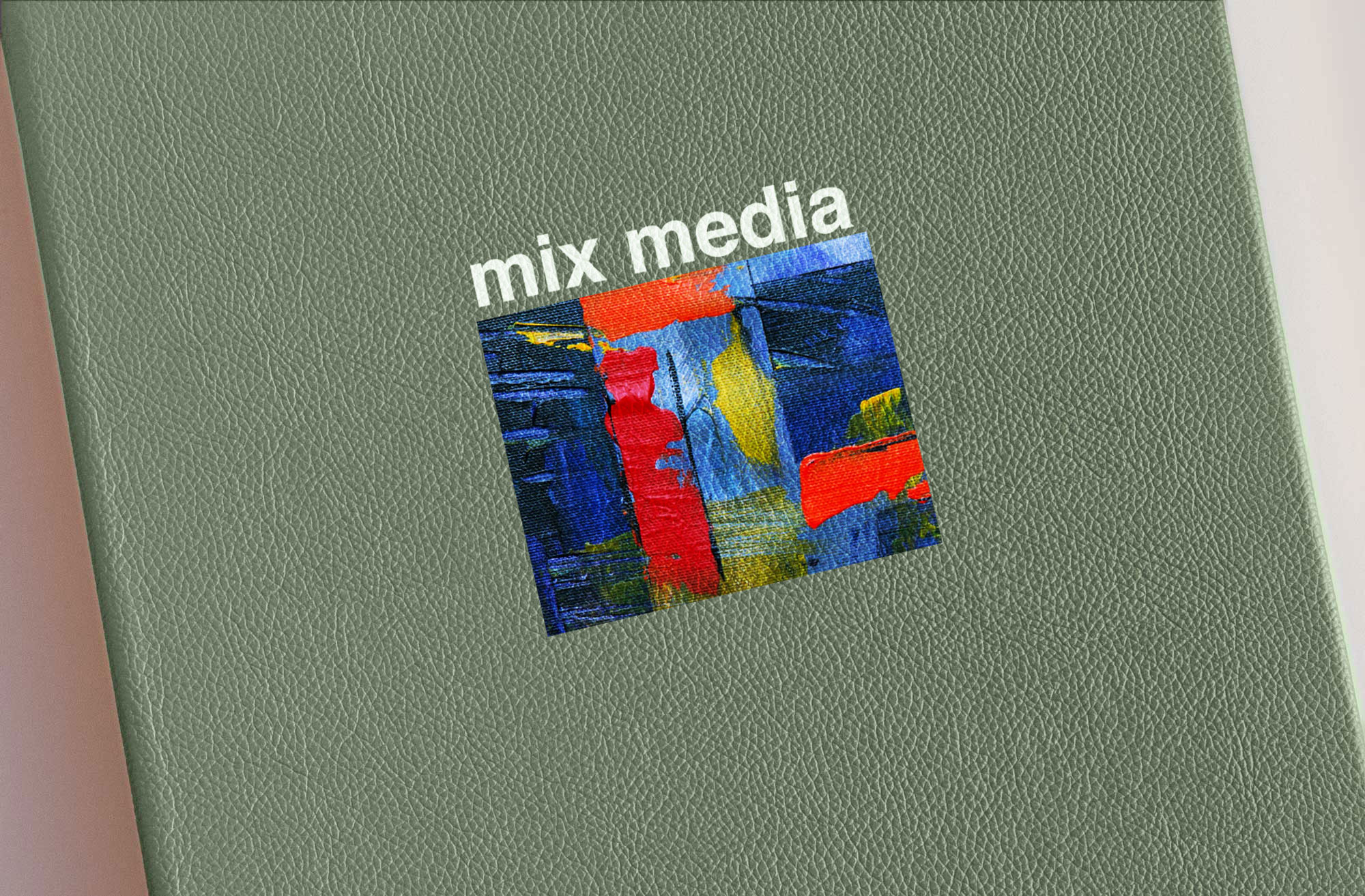 Spot Digital Print on Mint Leather
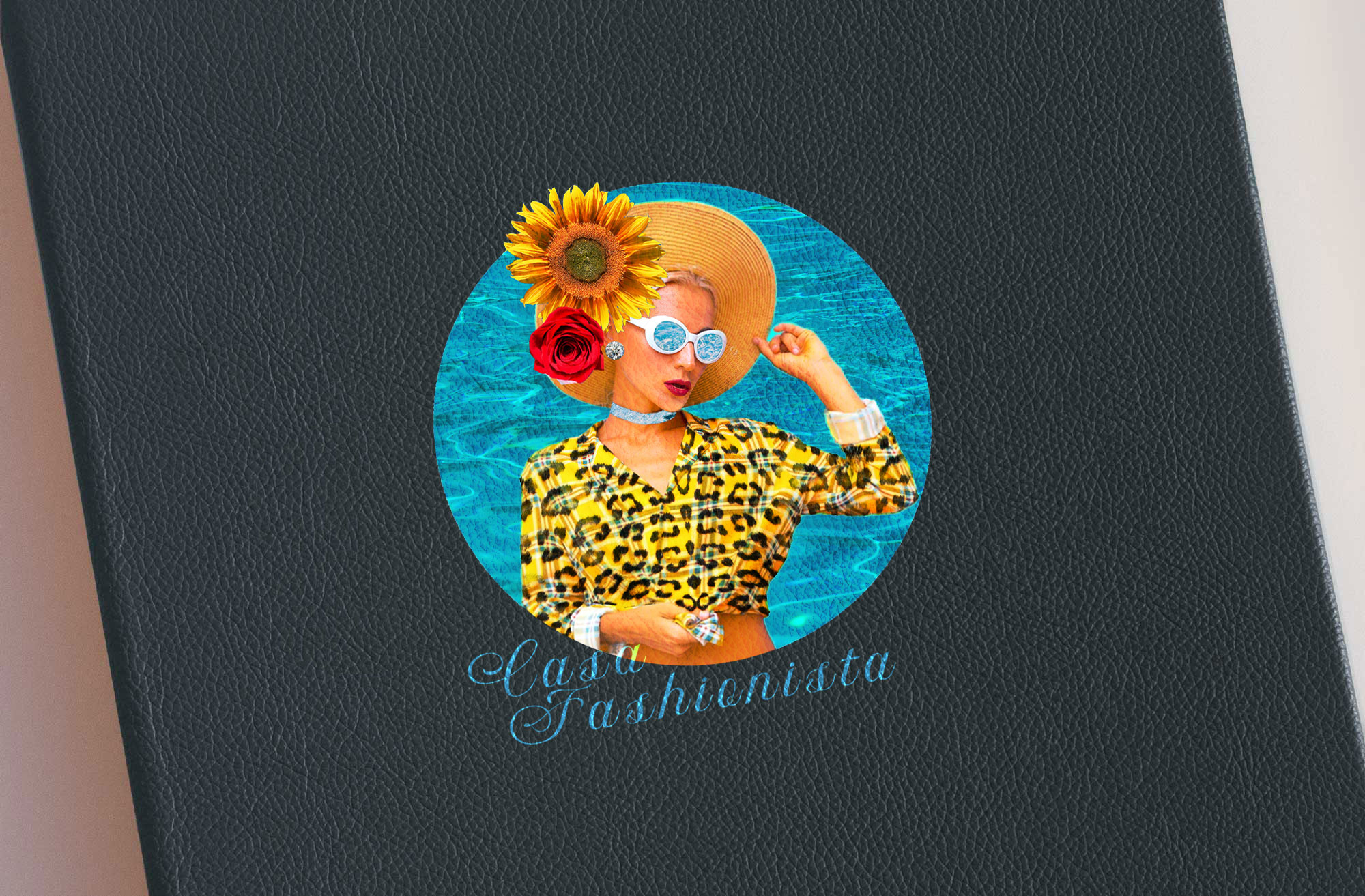 Spot Digital Print on Navy Blue Leather
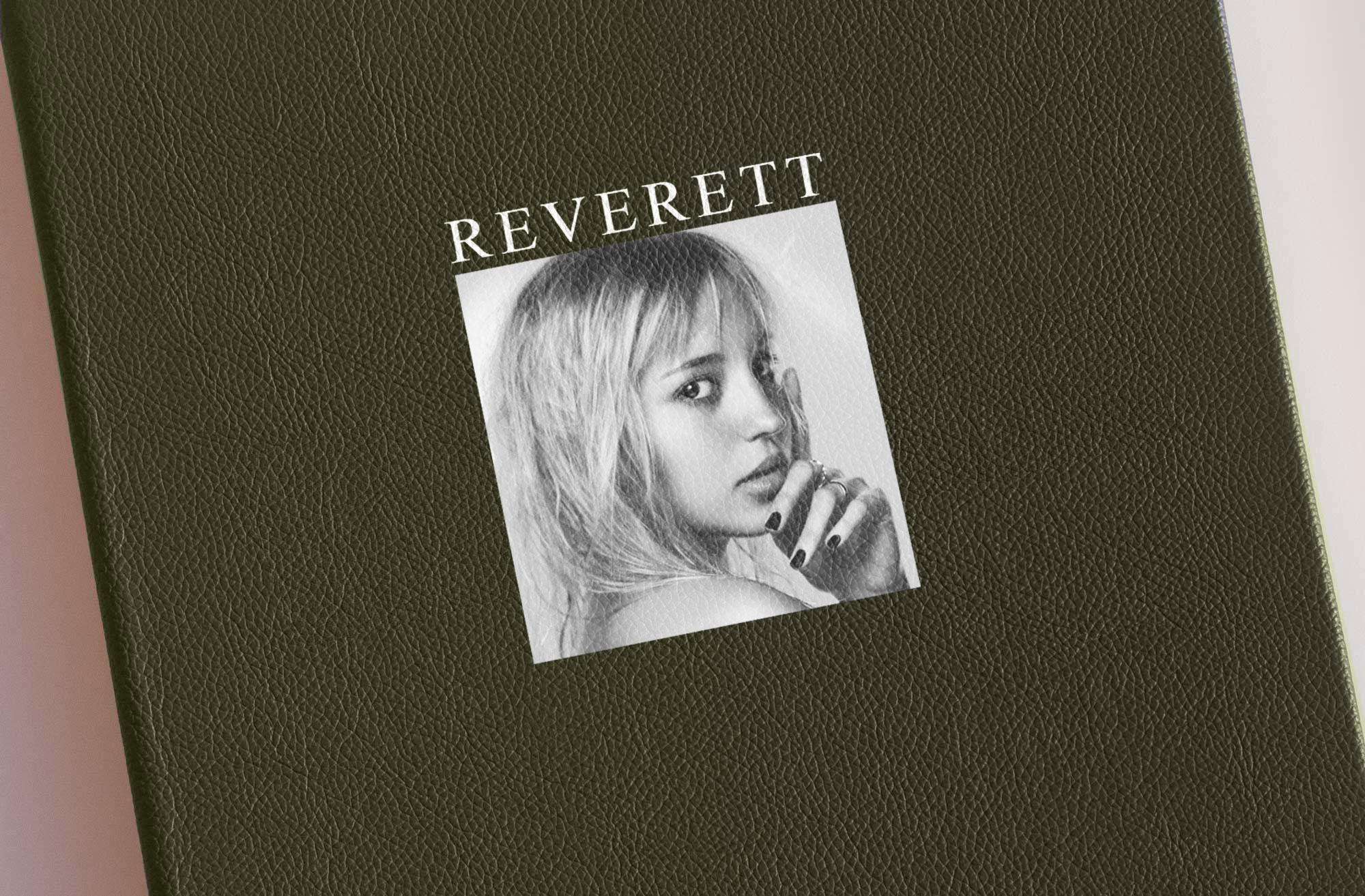 Spot Digital Print on Olive Leather
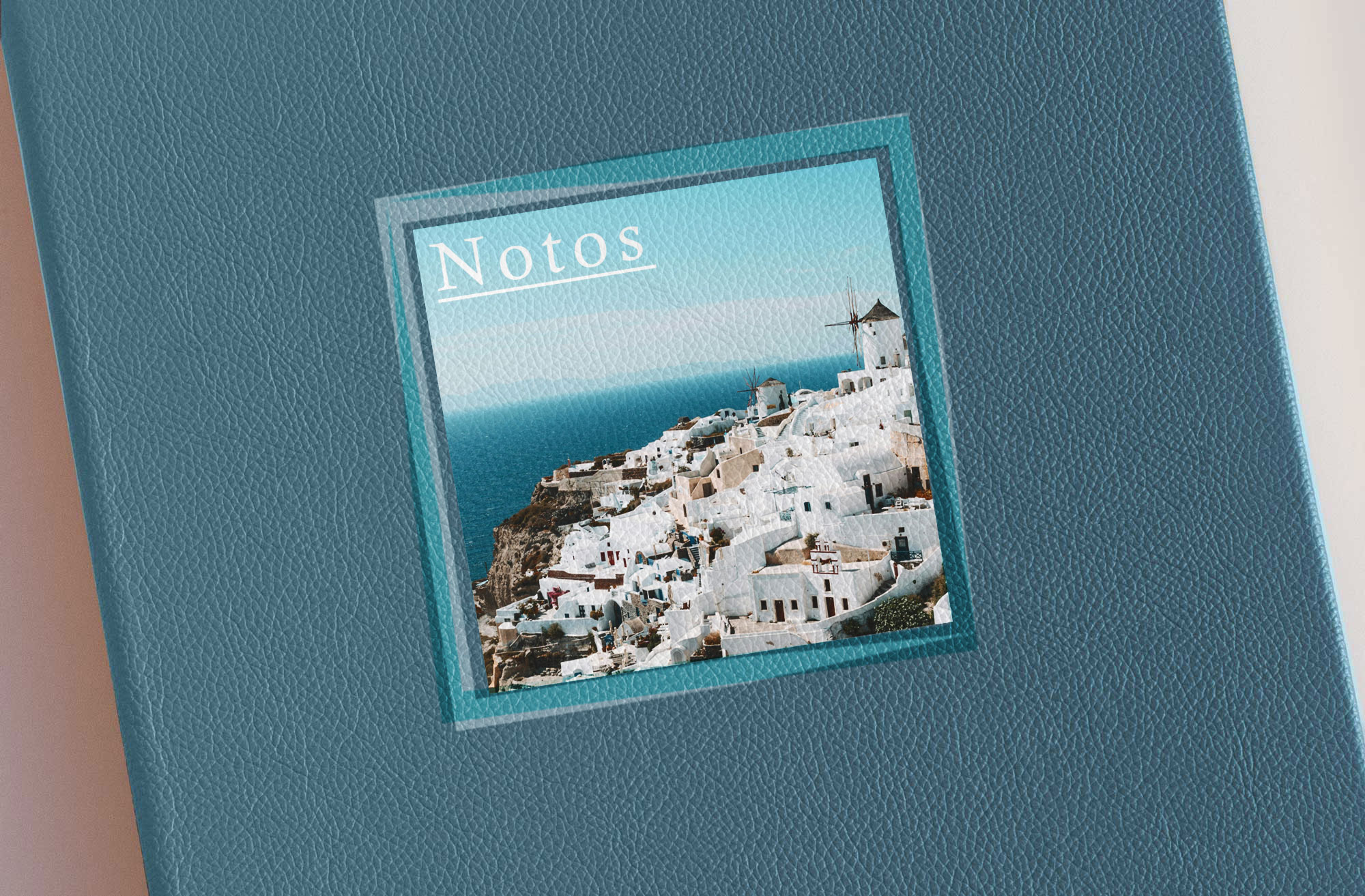 Spot Digital Print on Sky Blue Leather
Color Guide
Leather Outer Colors
Appears on the outside.
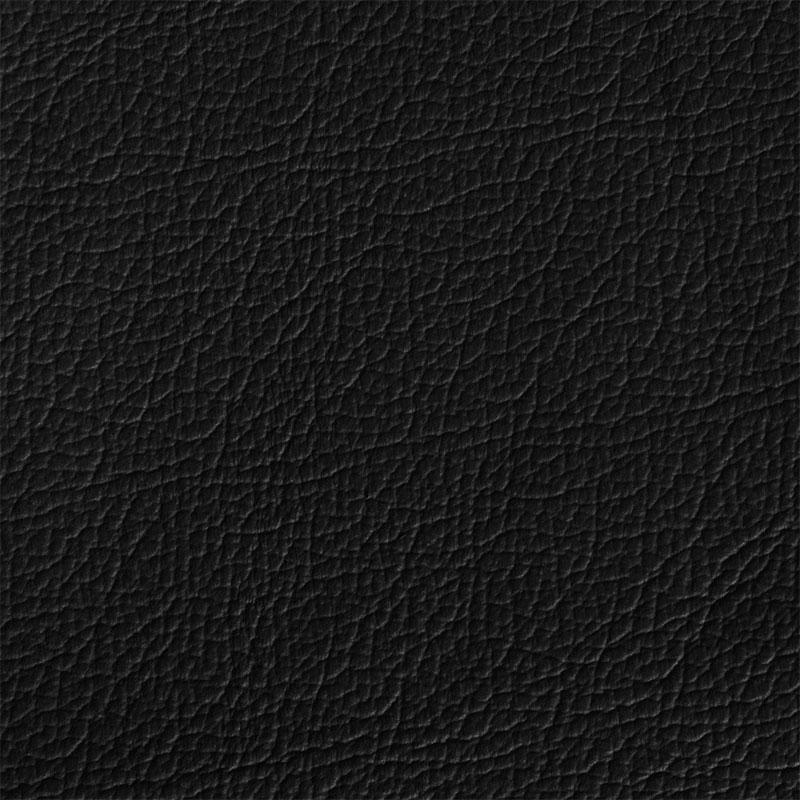 Black MTR
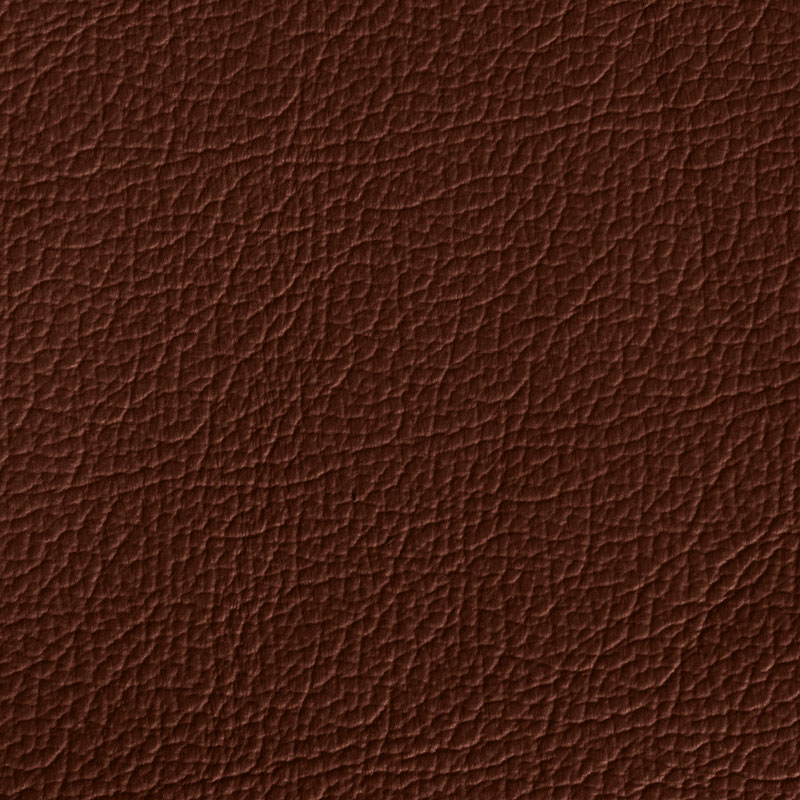 Brown MTR
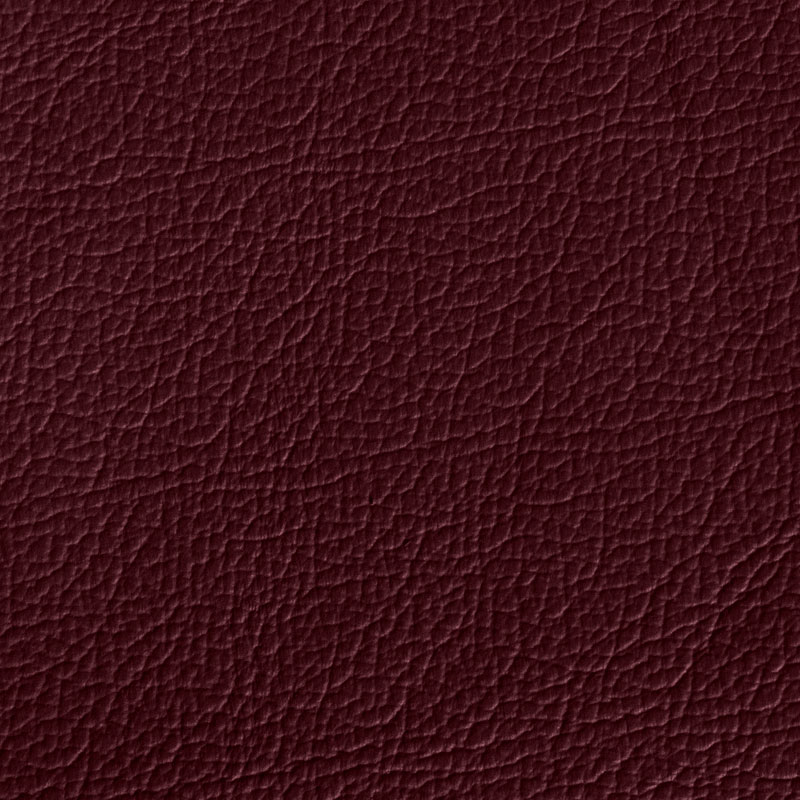 Burgundy MTR
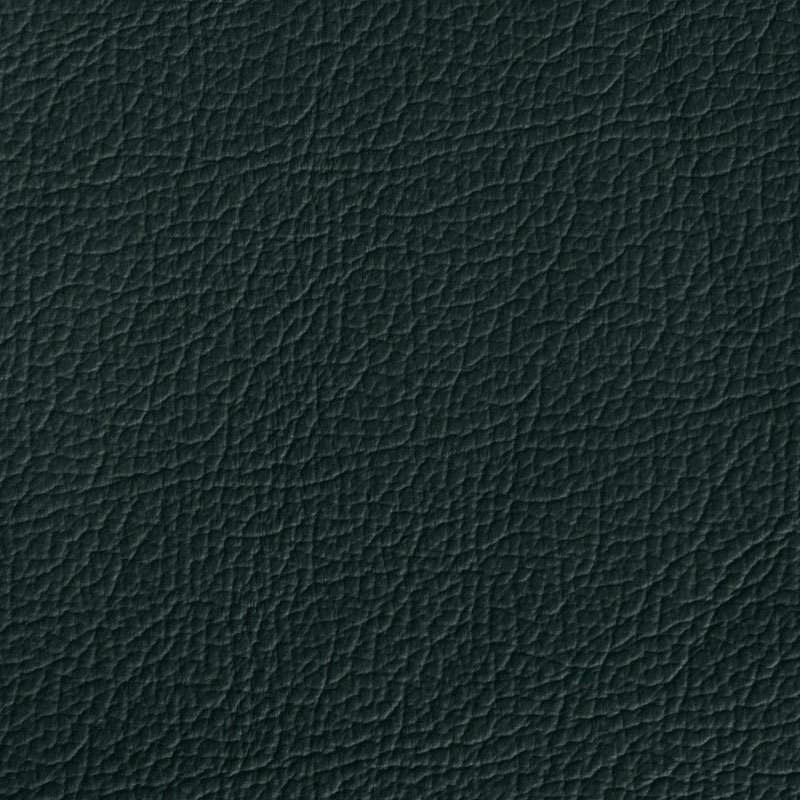 Dark Green MTR
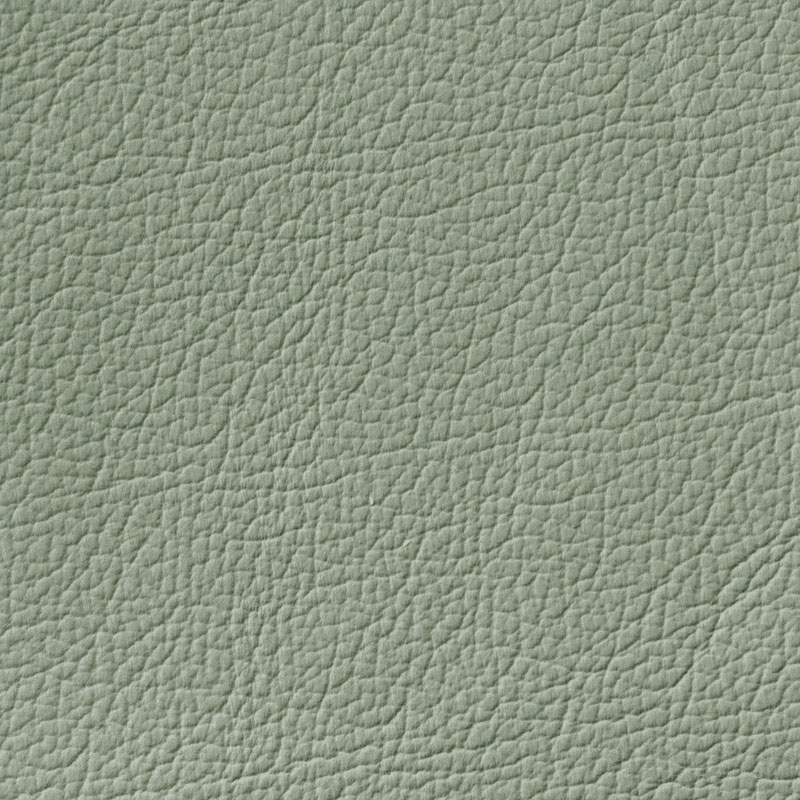 Mint MTR
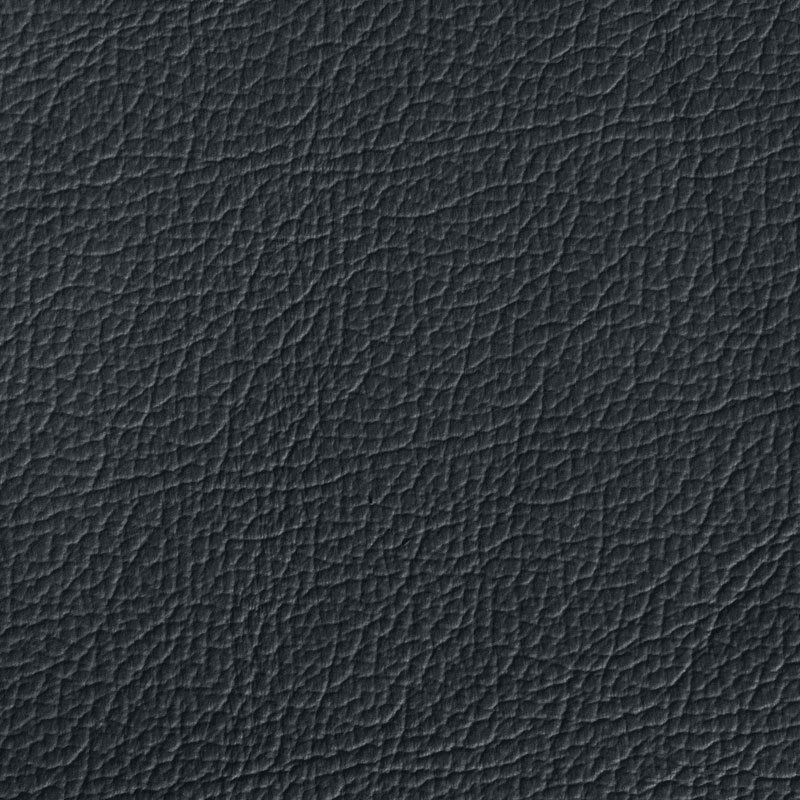 Navy Blue MTR
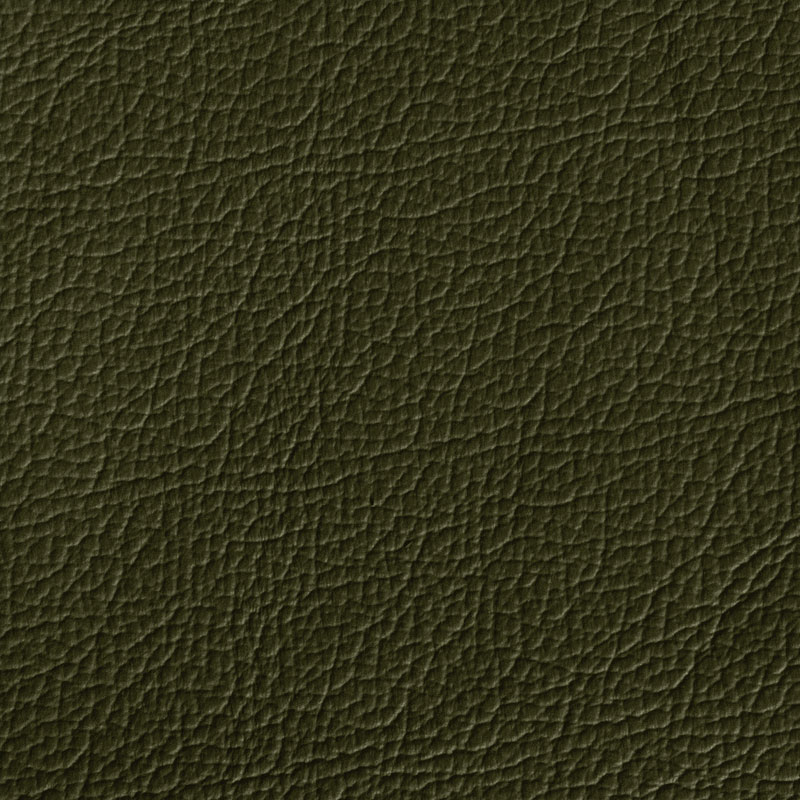 Olive MTR
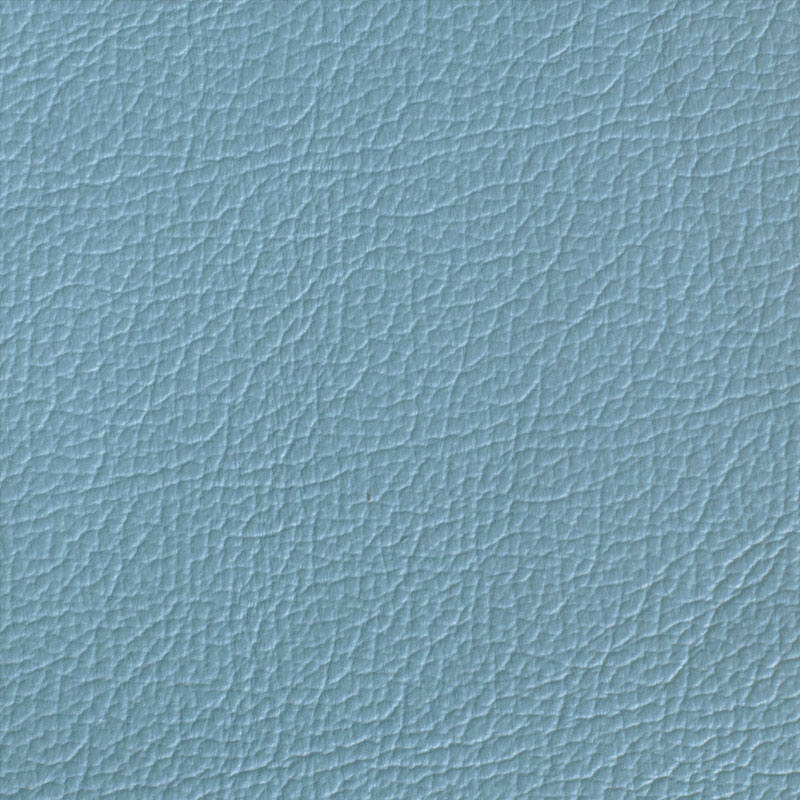 Sky Blue MTR
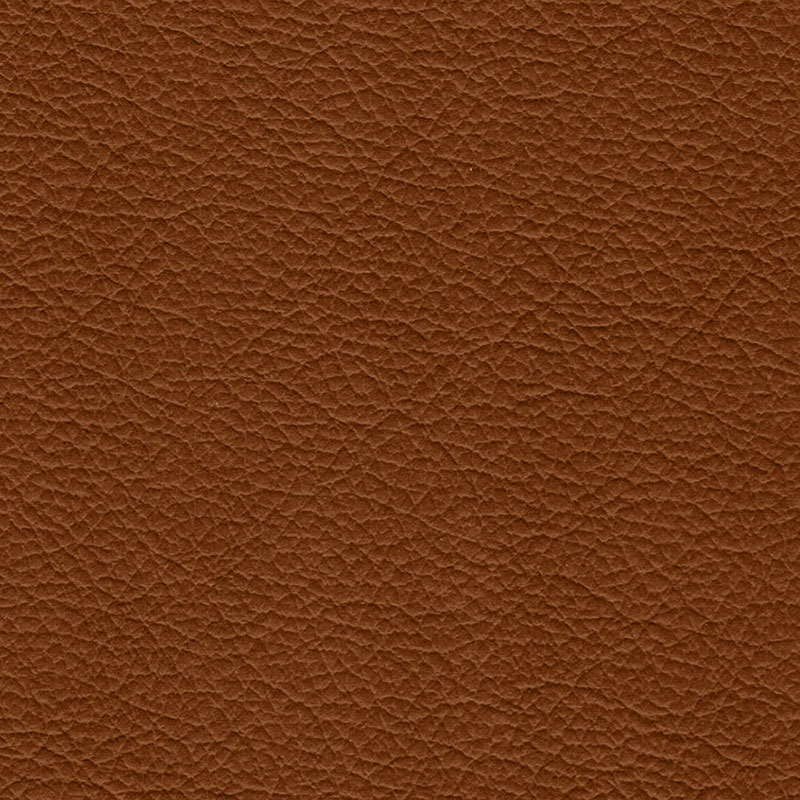 Tan MTR
Inner Liner Material
Appears on the inside.
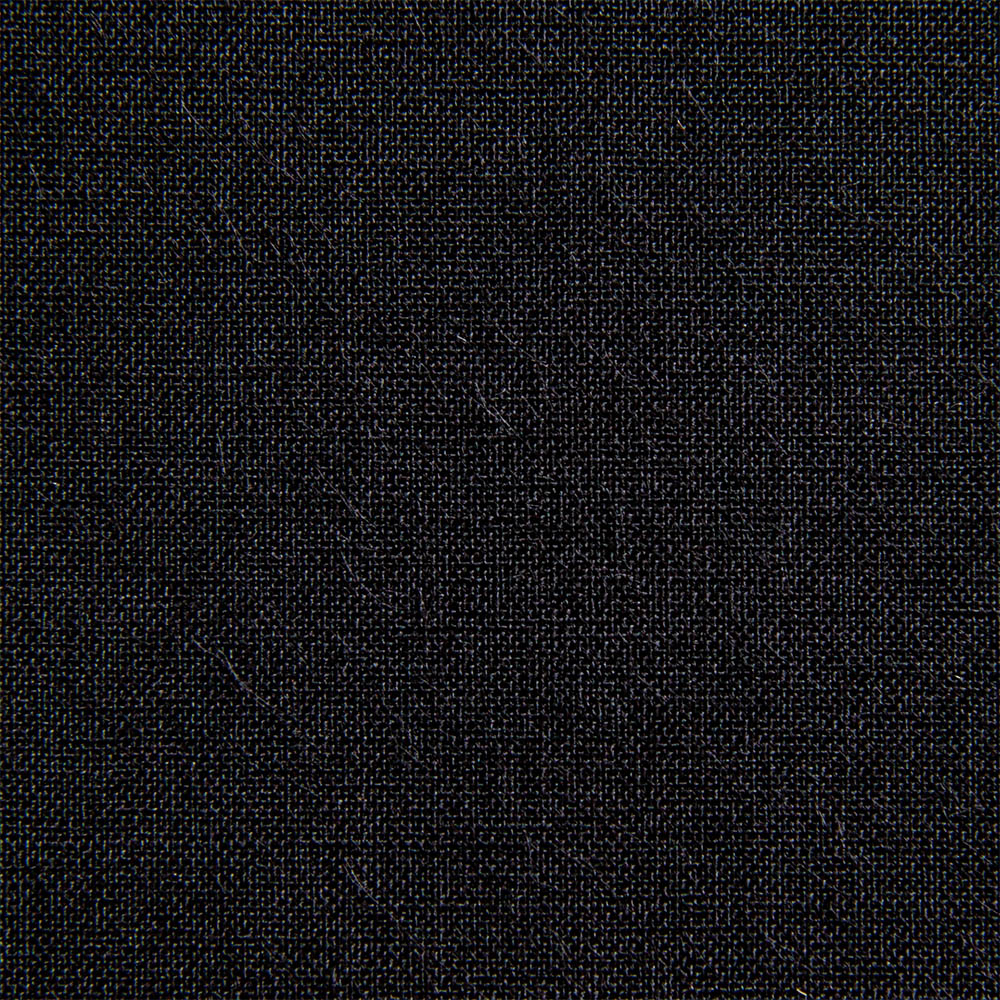 Black Cloth CLX
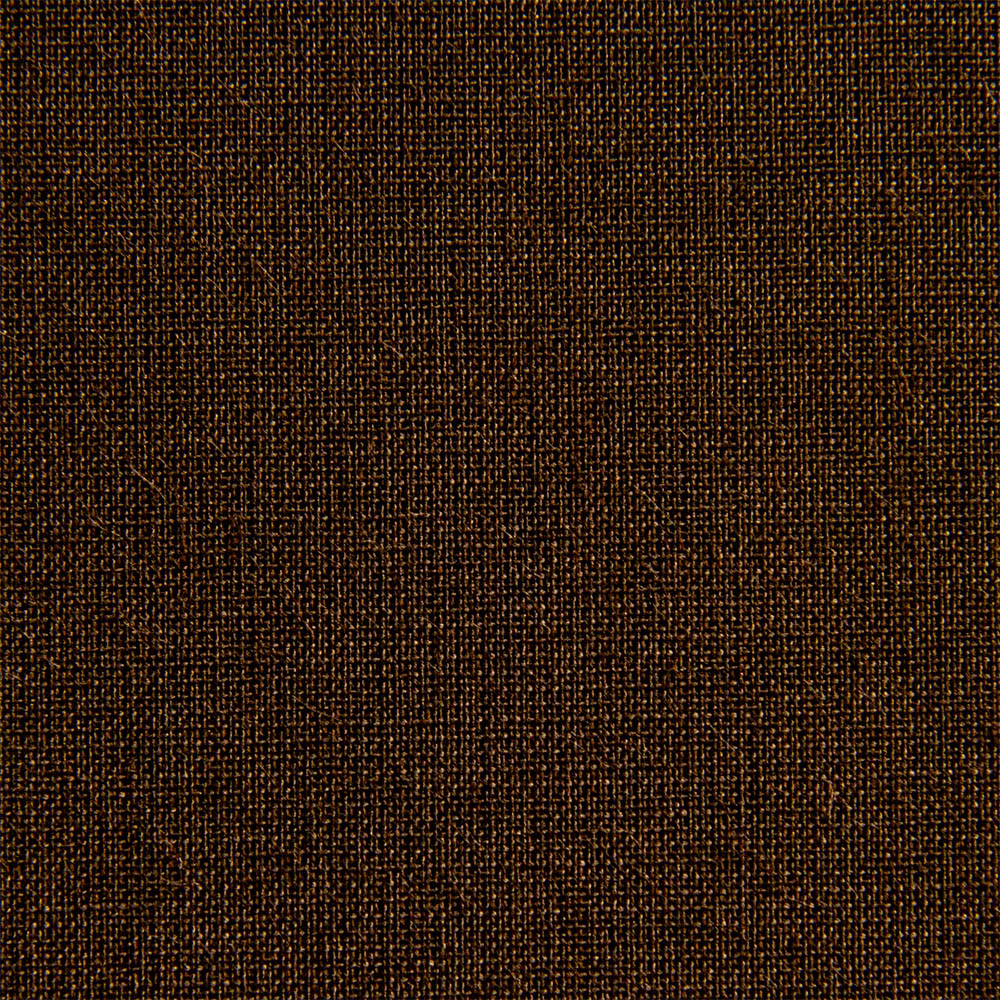 Dark Brown Cloth CLX
 Green Cloth CLX
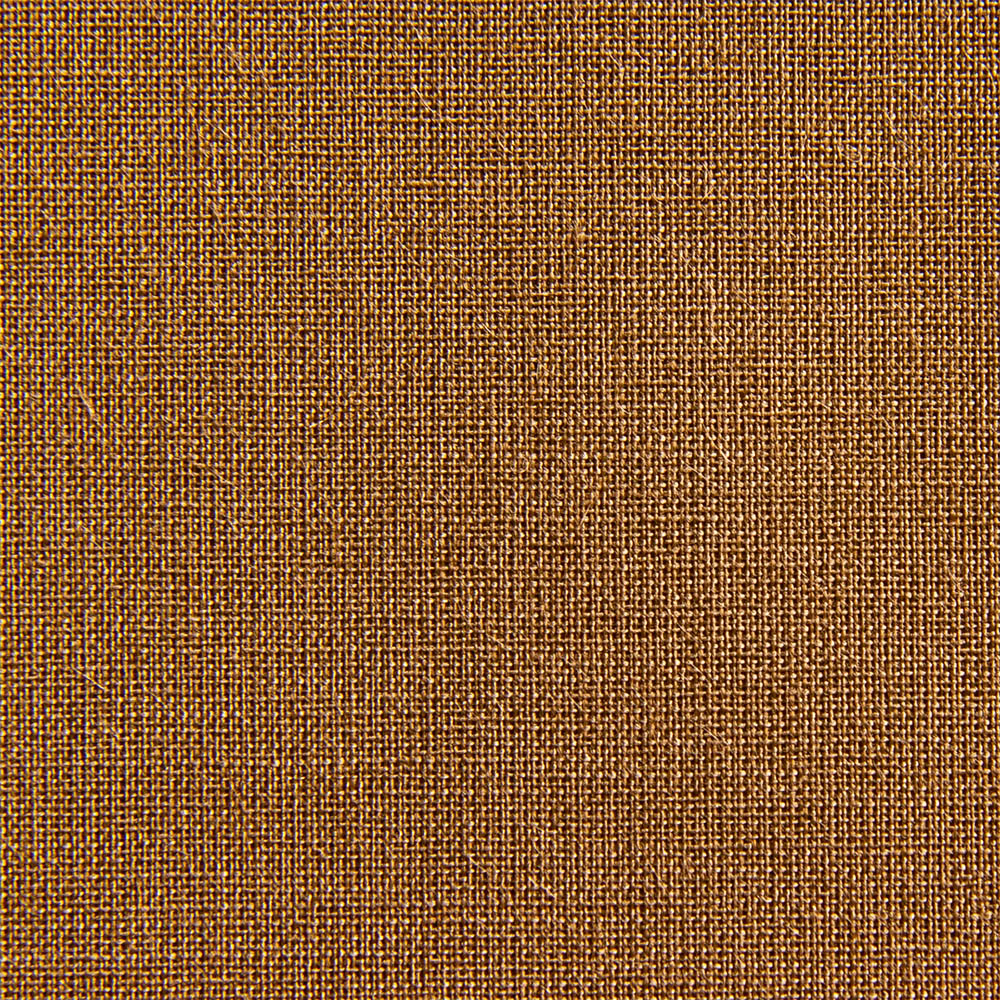 Light Brown Cloth CLX
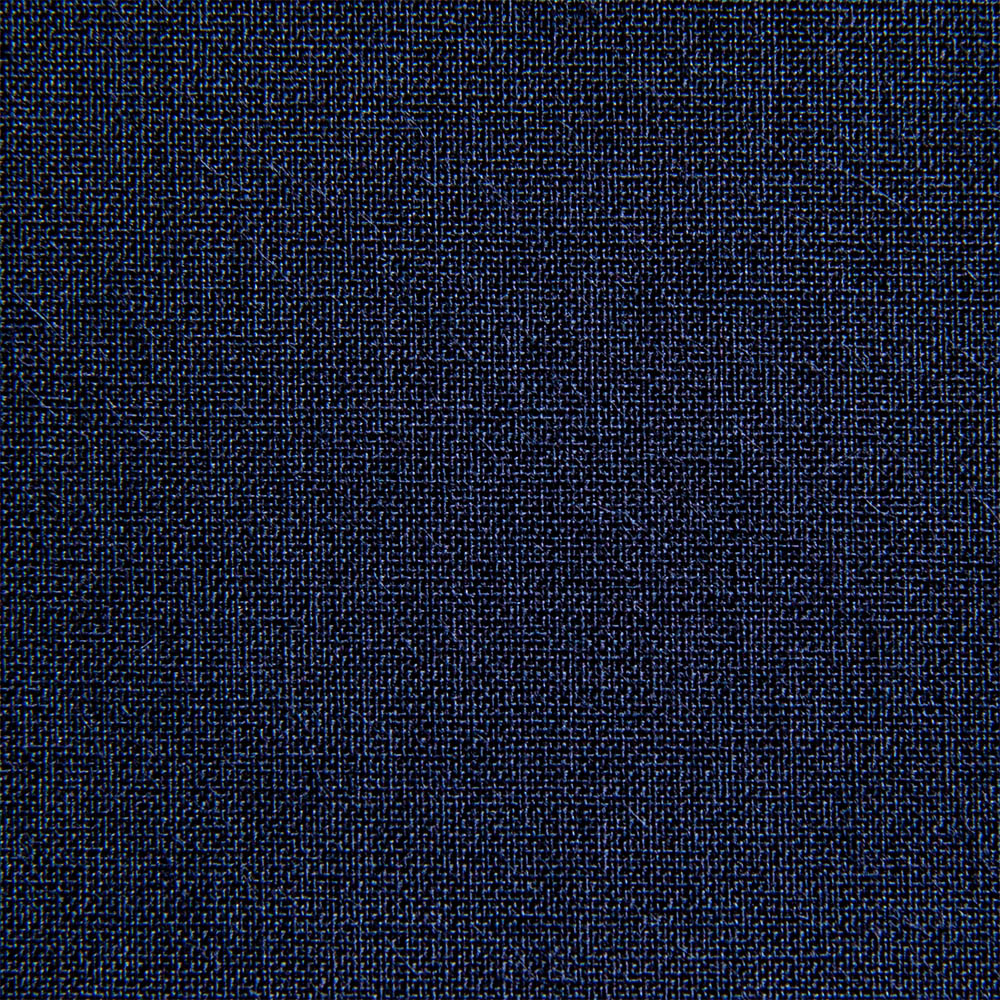 Navy Blue Cloth CLX
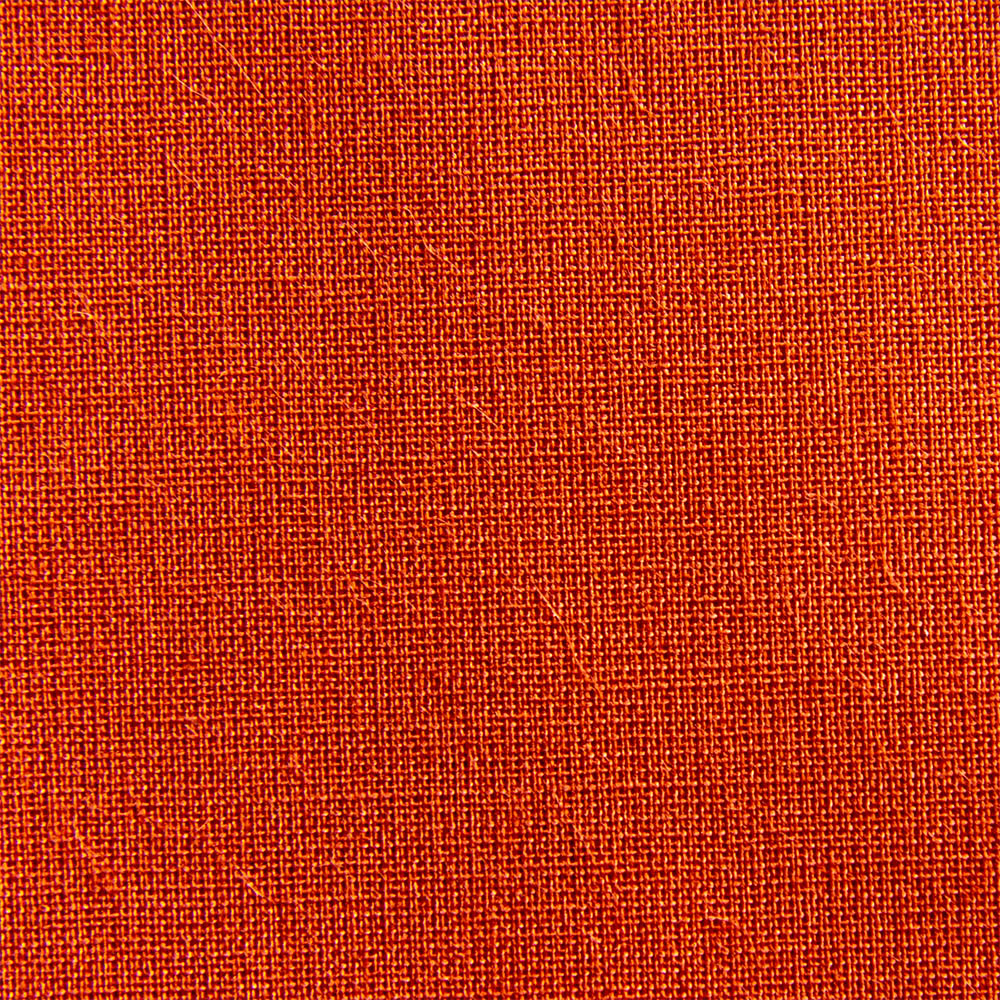 Orange Cloth CLX
Foil colors
Available via the online designer when adding your text.
 Black
Black Blind
Blind Bronze
 Gold
GoldCustomisation Guide
Select the color and customization options from the drop down menus. Then use our custom designer software to add your images and/or text to the cover. You will be able to choose a font, size and move to your preferred position. Use the position button to align neatly to the cover.
The color choices represent the foil choices available for this product. Refer to the material sample images to see what the foil colors look like.
Image Requirements
We recommend CMYK or RGB at 300dpi for best results.
Allowed File Types: JPEG, PNG, SVG, PDF.
Templates
Product Details
Specifications:
- Paper Insert Dimensions: 8.5″ x 11″ Portrait
- Material: Genuine Italian Leather
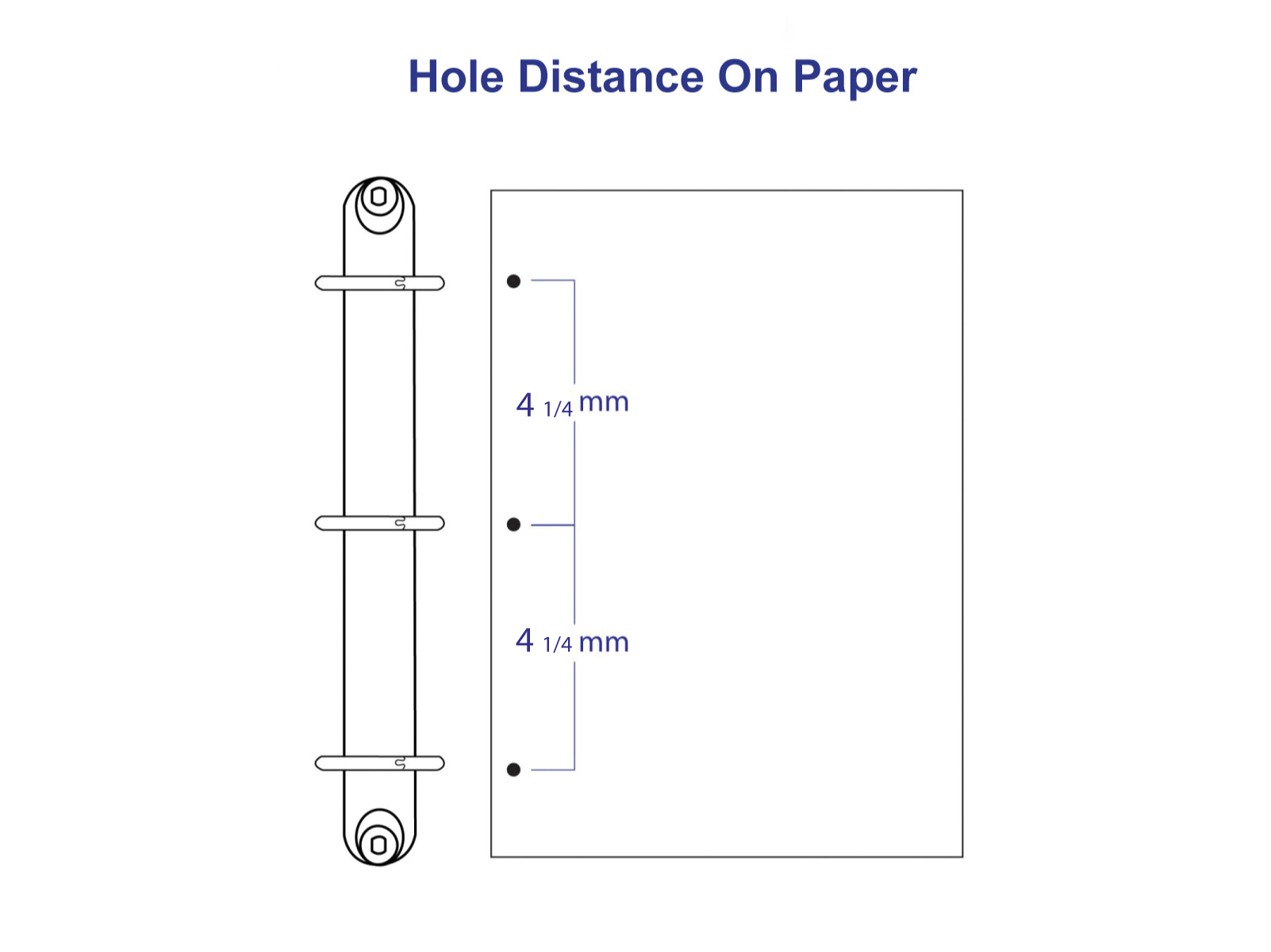
- Ring Mechanism: 3 ‘D’ Rings – 4 1/4″ centres
- Ring Color: Black Coated
- Capacity:
- Ring Size – 3/4″
- Binder Dimensions:
W 10 3/4″ x H 12 3/8″ - Ring Size – 1 1/2″
- Binder Dimensions:
W 11 1/4″ x H 12 3/8″ - Ring Size – 2″
- Binder Dimensions:
W 11 7/16″ x H 12 3/8″
Customisation Options
After adding your text, you may choose from our selection of foil colors.
Product Gallery
 Front Cover View
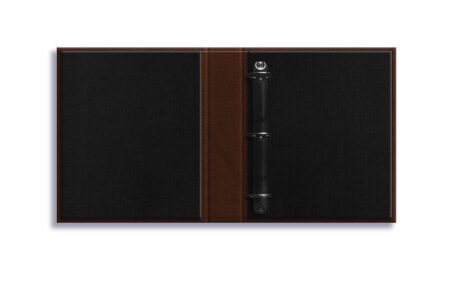 Inner View - Brown Leather & Black Cloth
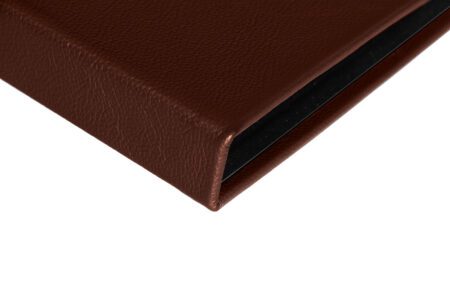 Spine View
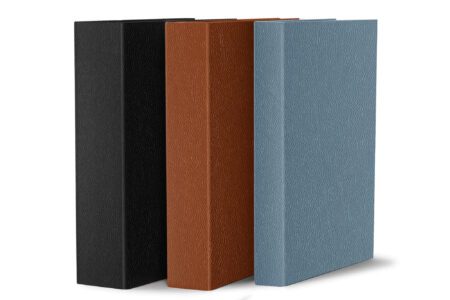 Leather Casebound Binders - Available in different ring sizes to suit your needs
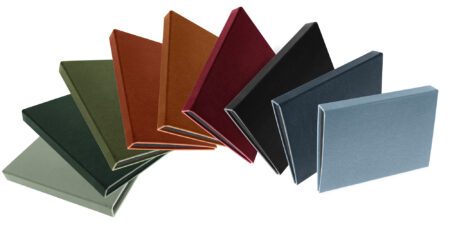 Leather Casebound Binders Colour Range
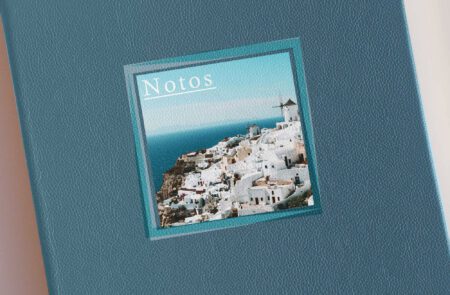 Spot Digital Print on Sky Blue Leather
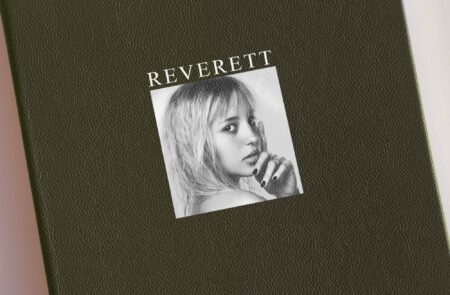 Spot Digital Print on Olive Leather
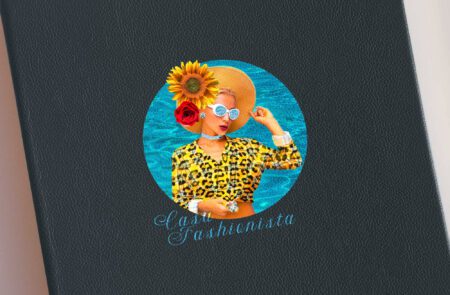 Spot Digital Print on Navy Blue Leather
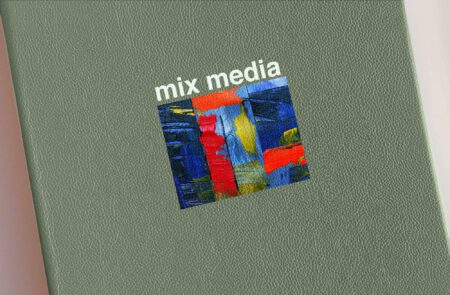 Spot Digital Print on Mint Leather
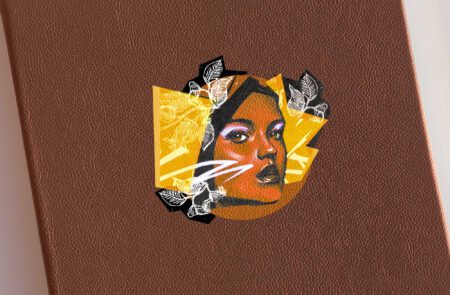 Spot Digital Print on Tan Leather
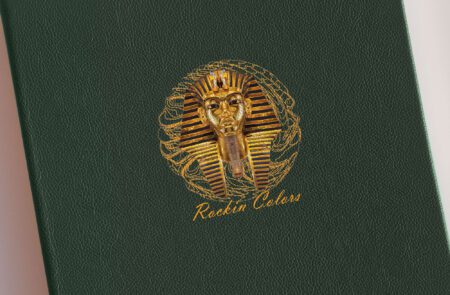 Spot Digital Print on Dark Green Leather
 Spot Digital Print on Burgundy Leather
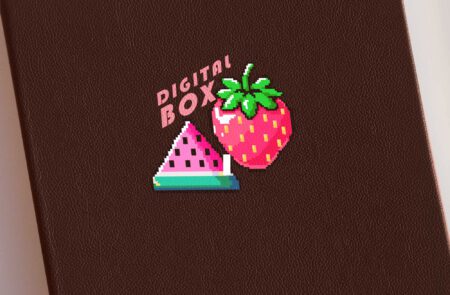 Spot Digital Print on Brown Leather
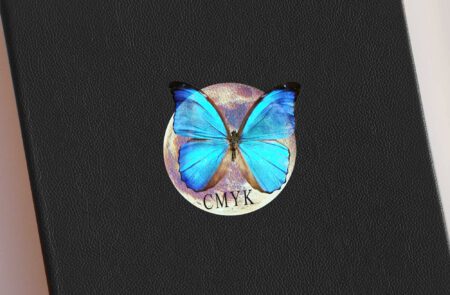 Spot Digital Print on Black Leather
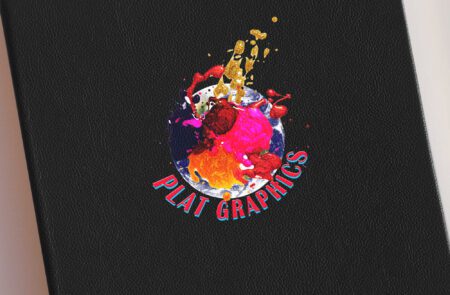 Spot Digital Print on Black Leather
Order your customised cover with a couple of simple steps
We offer two straightforward ways to create your customised cover. If you’re comfortable working with design files, you choose the artwork template option to download our template and place your artwork exactly as you’d like it.
Prefer a hands-off approach? Choose the let us setup option and simply upload your logo or file and our team will set everything up for you, ensuring a polished, professional result every time.
Helpful pointers before you begin:
- Keep your logo or text clean and uncluttered
- High-contrast artwork (bold shapes, clear lines) produces the sharpest impressions.
- Avoid fine hairlines or very small text, as they can lose definition when debossed.
- If you’re unsure about placement, centre-aligned designs are timeless and always look refined.
- For foil options, choose tones that complement your cover colour rather than compete with it.
- When in doubt, use the let us help option — our team can adjust spacing and alignment for the best result.
Accepted Artwork Formats
For the best results, we recommend supplying artwork in vector format (.AI, .EPS, .PDF, or .SVG). High-resolution PNG files may also be accepted for certain applications. Low-resolution images, screenshots, or files copied from websites may not reproduce clearly and could require redrawing.


